


Most contractor marketing fails in a quiet way. The ads run, the phone rings some, and nobody in the office can say which dollar produced which job. This checklist fixes that order of operations.
Who this checklist is for
This is for the owner of a local home service company with a real service area, crews to keep busy, and job values high enough to pay for acquisition. Work the phases in order, because every later phase reports into the measurement you set in Phase 0. Each item below has a check, a pass or fail signal, and what to do on a fail.

Phase 0: Set measurement, margins, and the offer before you spend
Three things come before the first dollar of spend: a lead record that survives the sales cycle, a cost ceiling built from your own margins, and an offer a page can prove in five seconds.
- Canonical lead record. One row per inquiry with date and time, contact, service, city or ZIP, source, campaign, landing page, lead status, appointment status, sold status, revenue and gross margin. Pass: you can pull last month’s sold jobs and read the source on every one. Fail: revenue lives in accounting and source lives in someone’s memory. Add the fields before the next campaign launches.
- *According to Michigan Tech UMC, Google Analytics needs utm_campaign, utm_source and utm_medium before it recognizes the tags at all. Pass: one naming document, followed by every email, profile link and QR destination. Fail:* three spellings of “facebook” in one report. Fix the document, then the links.
- A source hierarchy instead of a guess. Tracked numbers or dynamic number insertion with a required call disposition (answered, missed, spam, qualified, booked estimate, sold), the first-touch UTM in a hidden form field, and a required lead-source dropdown the office cannot skip. Pass: when a customer says they found you on Google, the number and the landing page say which Google. Fail: half the sold jobs read “Google” or sit blank.
- Allowable acquisition cost by service. Average ticket times gross margin gives gross profit per job. Decide the share of it you’ll spend to buy a job, then divide by your lead-to-booked rate for a maximum cost per lead. Pass: one number per service, written down. Fail: you’re judging your cost against someone else’s published average.
- A proof-led offer. Name the service, the area you serve, the response window, and the proof: license, insurance, warranty terms, real job photos, review evidence. Pass: a stranger reading above the fold knows what you do, where, and why you’re safe to call. Fail: a stock hero image and the word “quality.”
Phase 1: Own your Google local presence
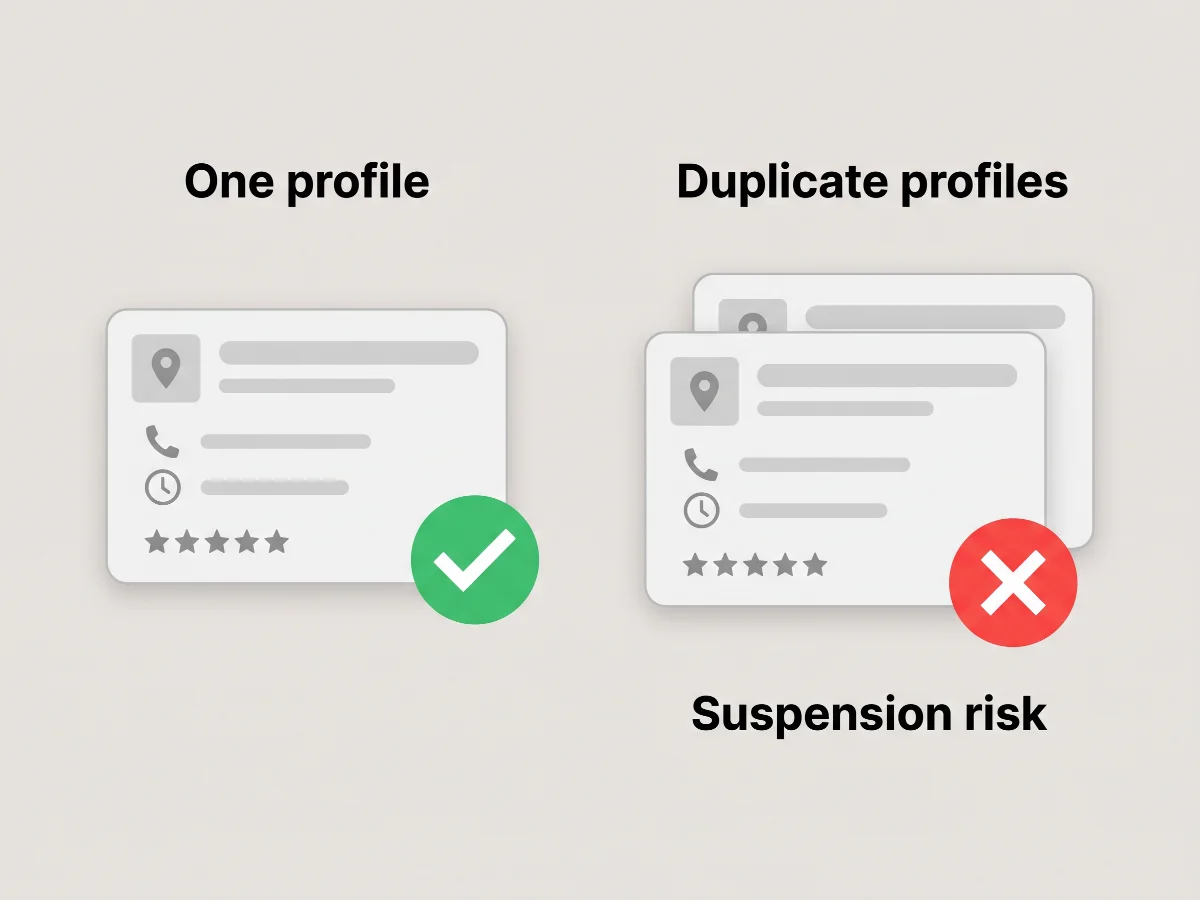
Clean the profile the ads point people back to. Google Business Profile guidelines reports that a Google Business Profile should use an accurate business name and address or service area, and only one profile is allowed per business. There’s no compliant version of a profile per city.
- Ownership and verification. You hold the owner role, not a former agency. Fail: you can’t log in. Request an ownership transfer first.
- Primary category matched to your highest-margin service, secondary categories for the rest. Fail: “Contractor” as primary when you sell furnace replacements.
- Service area by named cities or ZIPs you serve profitably. Fail: a 50-mile radius with drive times your dispatcher refuses.
- Hours, phone and website matching the site exactly, with real job photos added monthly. Fail: six photos from 2021.
- A compliant review sequence. Ask after the work is finished, send a direct review link or QR code on the invoice, offer nothing in exchange, and reply to every review. As the Federal Trade Commission notes, the FTC’s final rule prohibits businesses from buying, selling, or disseminating fake or false consumer reviews and testimonials. Fail: a $25 gift card for five stars. On a negative review, acknowledge the experience, keep private details out, and move resolution to a phone call.
Phase 2: Run high-intent Google Search Ads and retargeting
Structure the account by service intent first and geography second. This phase is Google Search Ads with location assets, not Local Services Ads. We don’t manage Local Services Ads for clients, so keep them out of this account and out of the comparison.
- One campaign per major service. Emergency repair, replacement and planned project work close at different rates and tickets. Fail: one “Services” campaign with fourteen ad groups.
- Split by geography only where volume justifies it. Until a city can be judged on its own, run one geography with named cities and ZIPs plus location bid adjustments. Fail: four city campaigns getting two clicks a week.
- Negatives reviewed weekly. Google Ads recommends using the Dynamic Search Ads search terms report to identify underperforming search terms or landing pages and add them as negative keywords or negative URLs. Standing list: jobs, salary, DIY, how to, parts, free, and manufacturers you don’t service.
- Conversion actions split by value. Calls over 60 seconds, form fills, and where the CRM allows it, booked estimates imported back as offline conversions. Fail: counting every click-to-call as a conversion.
- A landing page per campaign. Service in the headline, service area named, click-to-call above the fold, a proof block with job photos and customer testimonials, one short form. Load it on a phone before you launch, since most of this traffic arrives there. Fail: all ads point at the homepage.
- Retargeting with exclusions. Exclude converters, current customers, job applicants and out-of-area traffic, and cap frequency.
If you want to see where the gaps sit across your own four Google surfaces before you commit to anything, the free Demand Gap Snapshot comes back by email in 60 seconds.
Phase 3: Turn recent jobs into nearby demand
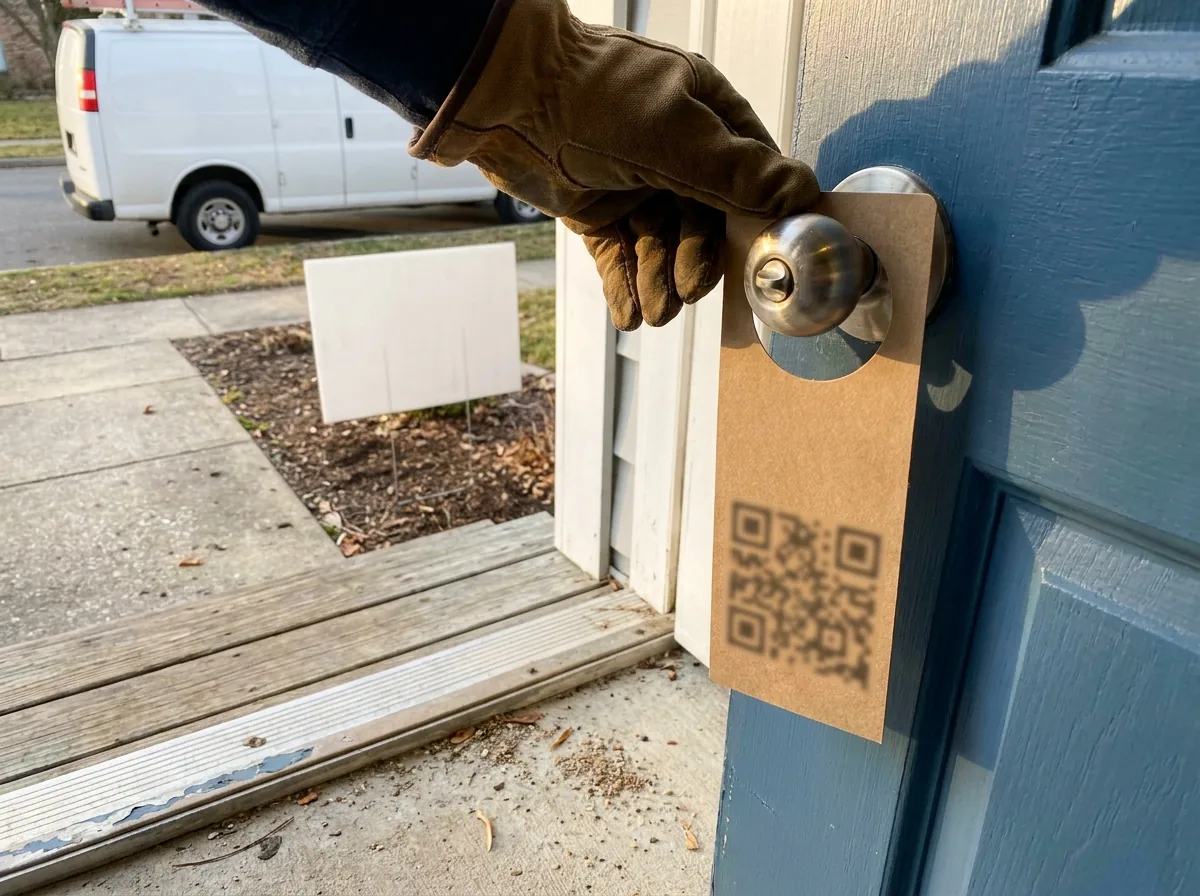
A finished job is the best local asset you own. Every printed piece carries a unique identifier, or it doesn’t go out.
- Drop radius. The block the job sits on plus the two streets that can see it. Fail: an untargeted drop across a whole ZIP.
- Quantity. 100 pieces per route, held constant so the math stays comparable. Fail: a different count every time.
- Timing. Postcards mailed or door hangers hung within 10 days of the last truck leaving. Fail: a drop three months later.
- Tracking. One destination per route: a dedicated number or a QR code on a short URL with its own UTM, never shared with another route. Pass: you can say route 14 produced six calls and two sold jobs. Fail: one QR code on everything you print.
- Stop rule. Response rate is tracked calls and scans divided by pieces delivered, and booked-job rate is sold jobs divided by those responses. Fail: fewer than two booked jobs per 100 pieces inside 30 days. Cut the route and move the spend back to Phase 2.
- Yard signs with written permission. Ask at signing, get it in writing, and never imply an endorsement the customer didn’t give.
- The free half of this phase. A referral ask at the final walkthrough, a handwritten thank-you card, standing trades with the plumber or electrician you already work beside, and answering questions as the business in local groups and on Nextdoor. Fail: none of these has an owner on your team.
Phase 4: Build an inbound engine that keeps working
Ads buy attention. This phase keeps the attention you already paid for from leaking out.
- Real service-location pages. One page per service and per city you actually serve, with local job photos, what you don’t do, internal links to the matching service page, and one conversion path. Fail: thin city permutations with the name swapped.
- An FAQ page, plus FAQ blocks on every service page. Use the questions your office answers by phone: permits, timelines, warranty, what happens on day one. Mark them up with FAQ and local business schema so the answers can be pulled into map results and AI answers. Fail: the office answers the same five questions all week and the site answers none.
- Job stories. Two hundred words on a real job: the problem, what you found, what you installed, what it solved, with photos. Fail: a gallery with no captions.
- Follow-up with consent. Email and text sequences for estimates that haven’t closed, consent captured, opt-out honored on every send. Fail: automated SMS with no consent record.
- Speed to lead. Five minutes in business hours: the named owner of the queue calls, texts if nobody answers, and logs the attempt. Fail: first contact after an hour.
- Missed-call text-back and an after-hours path. Every missed call gets an automatic text inside a minute, and after-hours calls reach a service that qualifies, books, or escalates to the on-call tech and texts the owner a summary. Fail: voicemail.
- Routing by service, urgency and capacity. A burst pipe, a replacement estimate and a remodel inquiry go to separate queues, each with one owner. Fail: one shared inbox.
Phase 5: Scale and refine only after the numbers prove it
Scale when the numbers prove profit, not when the month felt busy. Run these checks by channel and by service.
- Qualified leads. The qualified share is rising, not just the raw count. Fail: volume up, qualified flat. Fix qualification before budget.
- Booked jobs. Booked-job rate steady or climbing. Fail: leads up and booked jobs flat, which is a routing or speed problem.
- Close rate. Within ten points of your best city or service. Fail: a city that lags by more gets cut before anything gets widened.
- Response time. Median under five minutes in business hours. Fail: anything slower, and you fix it before you buy more leads.
- Revenue and gross profit by channel. Cost per sold job sits under the allowable acquisition cost from Phase 0, with crew capacity to fulfill. Fail: over the ceiling. Prune keywords and cities instead of expanding.
- The 30/60/90 gates. Day 30, measurement is live and every lead carries a source. Day 60, waste is removed weekly and every lead has an owner. Day 90, the five numbers above are compared by channel and budget moves. Fail: a gate missed means you repeat that window rather than adding spend. The table below holds the detail.
Precision Patch Pros, a drywall company in Bakersfield on our Starter plan, is the small version of this. The first paid click after the February 2026 Google Ads rebuild cost $1.94 on February 18, 2026. That lead closed the next day for $2,915. One click isn’t a trend. It’s the kind of record that lets you decide what to do next.
Red flags that stop the job
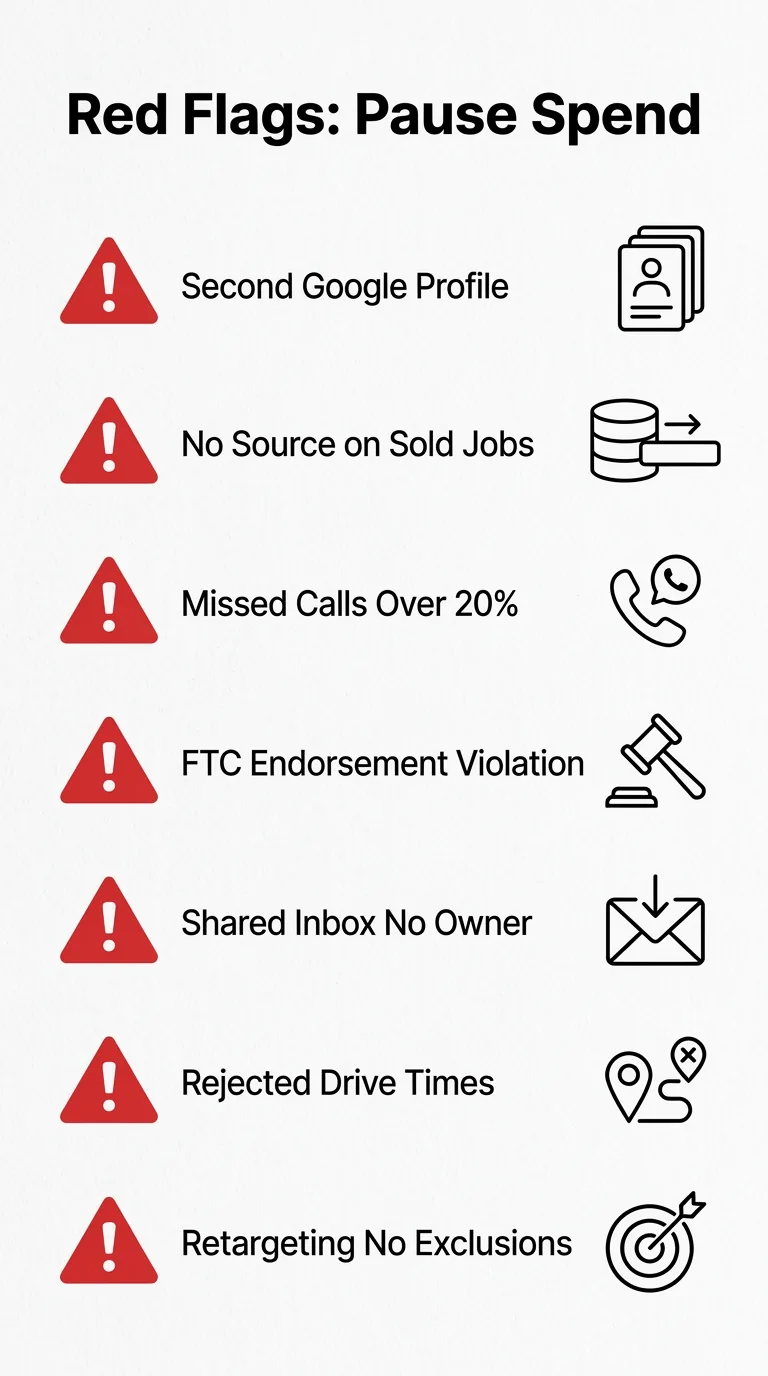
Each one means pause the spend and fix the cause first.
- A second Google profile for a city where you have no address. Suspension risk. Remove it.
- No source field on sold jobs. You’re about to make a budget decision blind. Fix the CRM this week.
- Missed-call rate above 20%. Ad spend is funding voicemail. Fix answering before targeting.
- Discounts or gifts in exchange for 5-star reviews. The FTC's Endorsement Guides cover incentivized reviews (16 CFR Part 255, revised effective July 26, 2023, per the Federal Register). Stop immediately.
- Leads in a shared inbox with no owner. Assign one person and one response standard today.
- A service area with drive times your dispatcher rejects. You’re paying for leads you decline. Cut the geography.
- Retargeting with no exclusion list. You’re advertising to people who already hired you.
What to do with the results
Mark every item pass or fail, then let the failures set the order of work.
- Most items pass and cost per sold job sits under your Phase 0 ceiling. Scale the proven service and city first, then widen, with the weekly scorecard still running.
- Leads arrive and booked jobs don’t. Stop adding spend and work Phase 4: call recordings, dispositions, routing, response standard.
- Homeowners can’t find you at all. Phase 1, then Phase 2. Typical timing in our client work is first Google Ads calls in week one, map pack movement in 30 to 60 days and organic in 3 to 6 months. Ranges, not promises.
- The numbers look fine and you have nothing to compare them to. “hvac marketing benchmarks” covers what other home service companies report.
Cost questions from this playbook belong in “hvac marketing budget,” and if the question is outside help, “how much does a marketing agency cost,” “hvac marketing agency pricing” and “angi leads” cover those calls.
| Window | Work | Checkpoint |
|---|---|---|
| Days 1-30 | Measurement, call tracking, CRM fields, GBP cleanup, review workflow, service-area decisions, the offer, landing pages, first Search Ads structure | Every new lead lands in the record with a source on it |
| Days 31-60 | Search-term cleanup and negatives, landing-page tests, review responses, first neighborhood route, email and text follow-up, routing audit | Waste removed weekly and every lead has one owner |
| Days 61-90 | Compare qualified leads, booked jobs, close rate, revenue, gross profit and response time by channel | Reallocate budget, expand only proven services and cities |
Want to know which phase to start with this month? The free Demand Gap Snapshot shows which of Google’s four local result types you are missing across your service area, and it arrives by email in 60 seconds.
Frequently Asked Questions
What is the best way to measure calls, forms, booked estimates, and sold jobs?
Give each campaign and each printed route its own tracked number, store the first-touch UTM in a hidden form field, and make booked estimate and sold job real pipeline stages instead of notes. Count calls over 60 seconds and form fills as separate conversion actions so you can see which one buys real work. Where the CRM allows it, import booked estimates and sold jobs back into Google Ads as offline conversions and judge campaigns on those.
Why am I getting calls and form fills but almost no real jobs?
Pull last month’s calls and give every one a disposition: answered, missed, spam, out of area, wrong service, duplicate, qualified. The leak usually shows up in three places. Missed calls, inquiries outside the profitable service area, and leads that sat in a shared inbox overnight. Listen to ten recordings before you change a single keyword, because a qualification problem and a targeting problem look identical in the ad report.
How quickly should a contractor respond to a new call or web lead?
Inside five minutes during business hours, as Phase 4 sets it: the named owner of the queue calls once, texts if the call isn’t answered, and logs the attempt. If nobody in the office can pick up, an automatic missed-call text goes out inside a minute and the lead moves to the after-hours path to be qualified, booked or escalated to the on-call tech. Report median response time weekly next to booked jobs, because slow response and bad targeting look identical in the ad report.
How do I ask for reviews without breaking Google’s rules?
Ask after the work is done, in person or by a text with a direct review link, using neutral wording that invites an honest review rather than a five-star one. Never offer discounts, gift cards or entries in exchange. If the customer raises a problem instead, settle it on the phone and ask again only after the work is right.
Should I fix my Google Business Profile before running Search Ads?
If you have fewer than about 15 reviews or your profile has wrong hours, a wrong category or a stale photo set, fix it first. Ads send people back to your name, and they’ll check the profile. When the profile is accurate and lead flow is urgent, run both in the same month.
What should my landing page say if I do not have hundreds of reviews or awards?
Build proof from what you already have: license number, insurance, warranty terms, years in the trade, photos of last month’s jobs, and the cities you actually serve. Put the service, the service area, the phone number and one clear next step above the fold, with the proof block directly under it. Six honest job photos and a plain warranty line do more for a homeowner than a row of stock badges.
What should a contractor do in the first 30, 60, and 90 days of a local marketing campaign?
Days 1-30 buy you measurement: tracked numbers, CRM fields, the profile cleanup, the review workflow and the first Search Ads structure, with the gate being that every lead carries a source. Days 31-60 remove waste and assign ownership: negatives, landing-page tests, review replies, one neighborhood route and a routing audit. Days 61-90 are the scale gates from Phase 5, where you compare qualified leads, booked jobs, close rate, response time, revenue and gross profit by channel, and only then move budget.
Researched and written with Sure Shot Cited, the AI article writer we built for our own client work, then reviewed by Ben Desjardins before it went live.